
Partners in Tech & Data
Basic Tracking Foundation
Basic Tracking Foundation
With a clean, customized base of conversion events, your ad platforms will be optimizing with better signals, and your reporting will be actually useful to make decisions.
We implement a strong Google Tag Manager (GTM) setup so you can measure what matters to your goals and visualize it right away.
We offer this as a fixed-price product. You can be sure that what you see is what you pay. You will never get a surprise hourly invoice
How We Work: The Implementation Process
We handle the end-to-end setup so your marketing team can focus on strategy.
- The Measurement Kickoff: We start with a strategic session to define your conversion goals and map out which user actions (form submissions, clicks, purchases) actually drive business value.
- The Technical Setup: We implement, test, and publish the tags directly within Google Tag Manager (or other Tag Manager toll), ensuring they fire correctly on your chosen platforms.
- The Dashboard Creation: We send the new Google data into a custom, easy to read Data Studio dashboard so your team can visualize performance easily without going into custom reporting on GA4.
- The Delivery Meeting: We will set a final handover session to walk you through the new dashboard and provide a clear explanation of how your data is being collected.
What You Get: The Technical Scope
A complete, multi-platform tracking setup and dashboard report, delivering clear insights and accurate attribution. This scope includes:
- Core GA4 Setup: Configuration of up to 10 custom Google Analytics 4 conversion event tags.
- Ads Platform Setup: The exact same conversion events tracked and sent to two additional ad platforms of your choice (e.g., Meta Pixel, LinkedIn Insight Tag, or Google Ads).
- Performance Visualization: A custom Data Studio dashboard build to visualize your Website performance using the GA4 Tags.
- The Engineering Handoff: A complete and easy to follow document containing your event metrics matrix with a full overview of your new tracking setup.
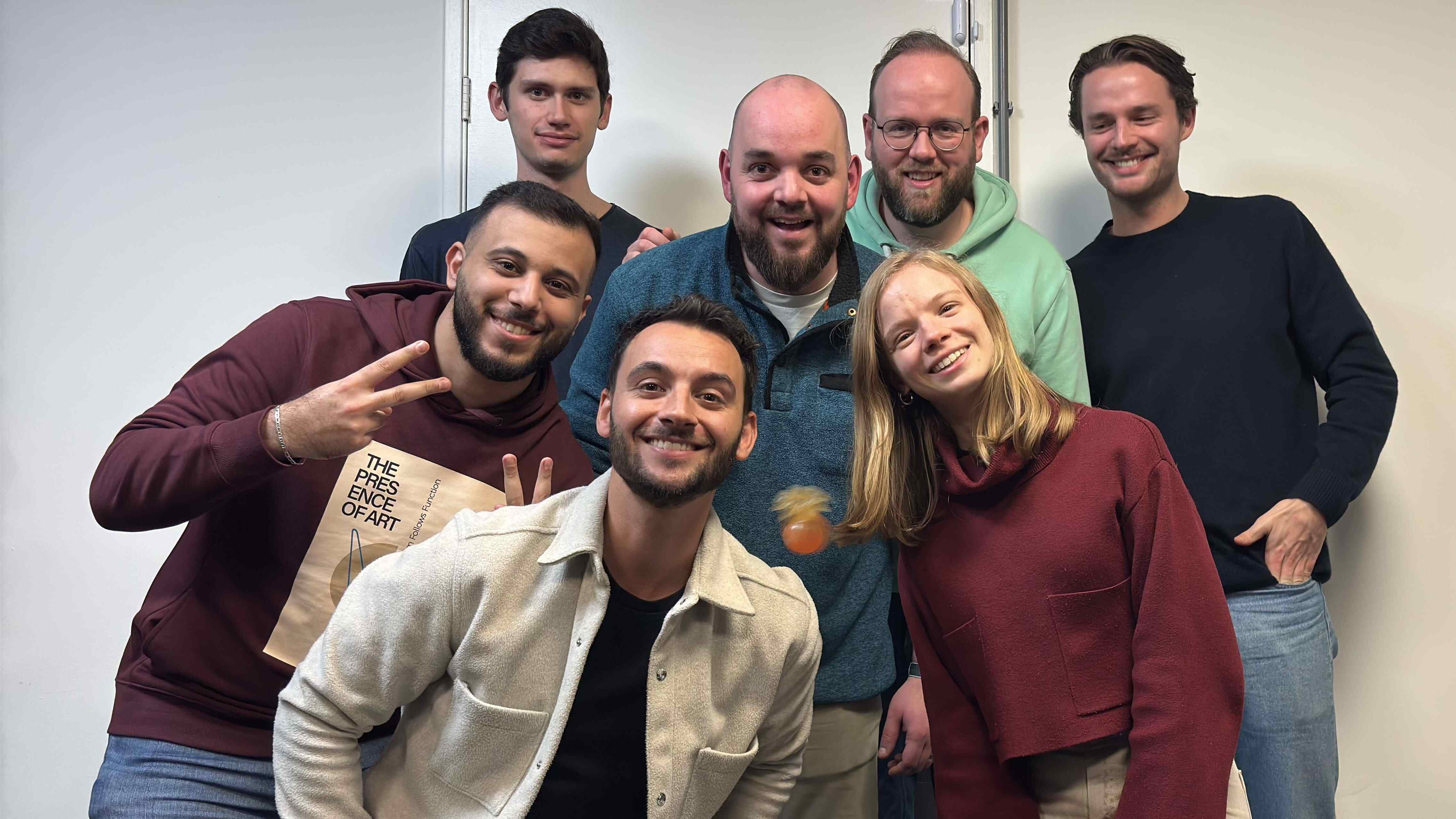
Meet our team